Full Site in Your Browser
The entire Kingmaker Casino platform (8,000+ games, the sportsbook, cashier, and support) loads in Safari or Chrome on any iOS or Android device.
App at Kingmaker: PWA Installation
Every game, every payment method, and live chat, all inside your mobile browser. No download required. Works on iOS and Android with an AUD account.
Your Casino in Your Pocket
Every game, every payment method, and live chat, all inside your mobile browser. No download required. Works on iOS and Android with an AUD account.
Play on Mobile 18+ only. Gambling may lead to addiction. Bonus terms and conditions apply.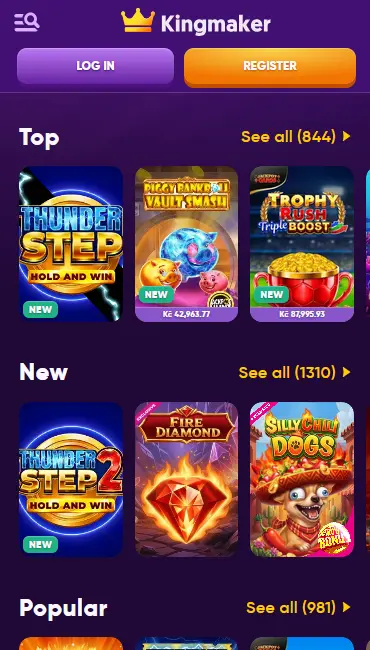
How to Start Playing on Mobile
Mobile Account Security
What You Should Do
What You Should Avoid
What Makes Mobile Play at Kingmaker Stand Out
Full Site in Your Browser
The entire Kingmaker Casino platform (8,000+ games, the sportsbook, cashier, and support) loads in Safari or Chrome on any iOS or Android device.
Instant Game Loading
Games from Pragmatic Play, Evolution Gaming, Hacksaw Gaming, and more than 70 other studios launch without downloading or installing anything.
TLS 1.3 Encryption on Every Session
Every connection between your device and Kingmaker's servers is encrypted with TLS 1.3, keeping your AUD balance and personal data private.
Device Requirements
Android
iOS
Mobile Experience: Pros and Considerations
Pros
Cons
The Kingmaker Casino mobile experience delivers the full platform without asking you to download anything. Every feature available on desktop is present in the browser version, and the layout reorganises itself automatically to suit the screen size of your device.
The cashier handles PayID, POLi, Neosurf, Visa, Mastercard, Neteller, Skrill, MiFinity, and multiple cryptocurrencies including Bitcoin, Ethereum, Litecoin, and Tether (the same selection as on desktop). Your AUD balance, bonus progress tracker, and KYC document upload area are all accessible from the account menu. The sportsbook covering AFL, NRL, cricket, and esports loads fully in the mobile browser with live in-play markets and bet placement.
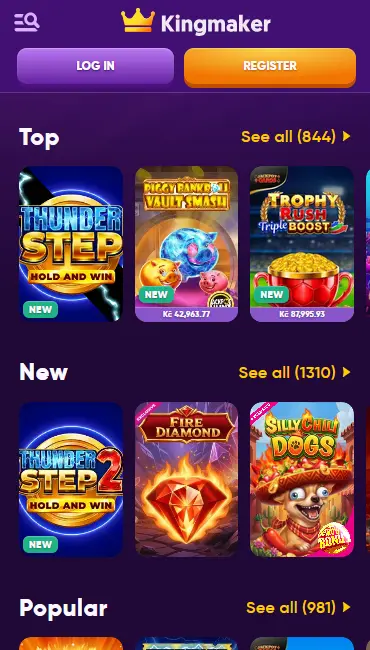
The mobile layout consolidates the navigation into a hamburger menu to preserve screen space. The games lobby uses a grid view that scrolls vertically, and live dealer tables switch to a portrait or landscape layout depending on your device orientation. There are no functional differences; the game library, payment methods, bonus tools, and support chat are identical.
All 6,500+ pokies from Pragmatic Play, Play’n GO, NetEnt, Hacksaw Gaming, Nolimit City, Yggdrasil, BGaming, Betsoft, and the other studios in the catalogue are accessible through the mobile browser. Titles including Wanted Dead or a Wild, Le Bandit, Wild Hot 40, and Majestic King load using HTML5 technology, which means no Flash or plugins are required. Demo mode is available on most pokies, letting you test volatility and bonus rounds without staking real money.

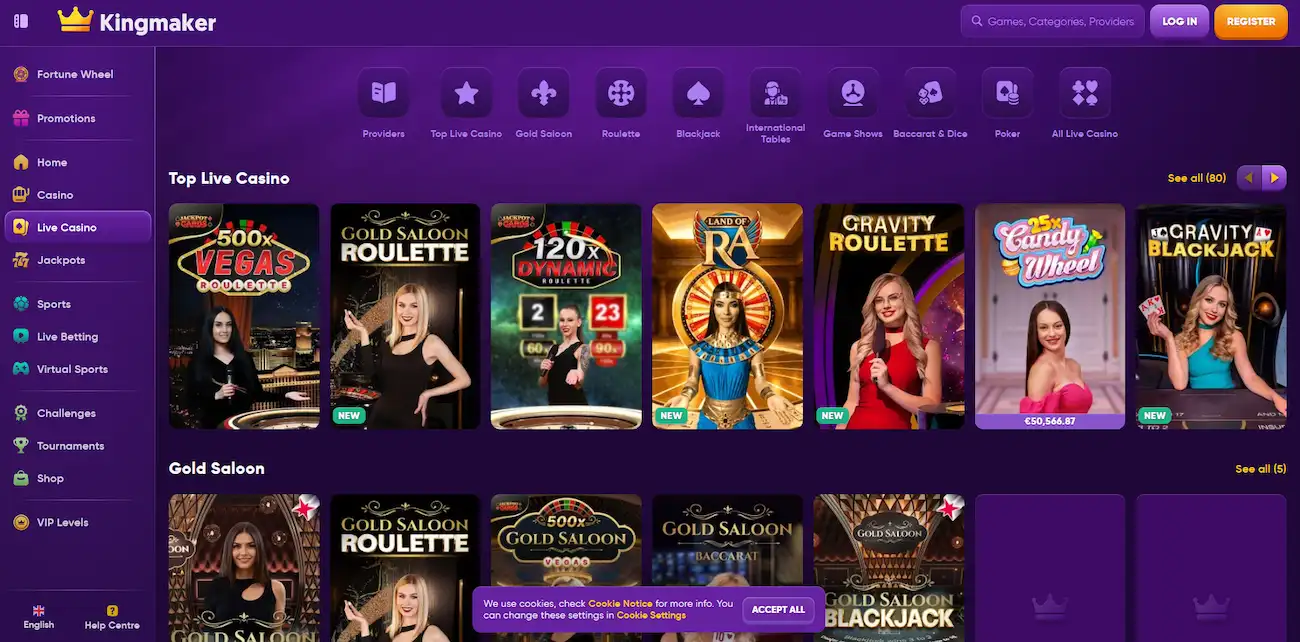
Evolution Gaming, Pragmatic Play Live, Playtech Live, Ezugi, and OnAir Entertainment all deliver their tables to mobile in high-definition. Crazy Time, Speed Baccarat, ONE Blackjack, Mega Roulette, and Caribbean Poker stream reliably over 4G and Wi-Fi. Portrait and landscape orientations are supported, and the betting interface adapts to touch input with large tap targets for chips and dealing controls.
RNG-powered blackjack, roulette, baccarat, video poker, and poker variants from Microgaming, NetEnt, and Playtech are all included. The virtual table layout uses touch-friendly controls, and game rules are accessible from within each title.
Progressive jackpot titles are visible in the dedicated jackpot section of the mobile lobby with live prize-pool counters. VIP members receive personalised alerts when nominated jackpots cross user-defined thresholds.
Open Safari on your iPhone or iPad and navigate to kingmakercasino24.com. The site detects iOS automatically and loads the mobile-optimised version. To create a home-screen shortcut that mimics an app icon, tap the Share button (the box with an upward arrow) at the bottom of the Safari toolbar and select Add to Home Screen. Give the shortcut a name and tap Add. The Kingmaker icon now appears on your home screen and opens the casino in a full-screen browser tab.
Open Chrome on your Android device and navigate to kingmakercasino24.com. The mobile layout loads automatically. To add a home-screen shortcut, tap the three-dot menu in the top-right corner of Chrome and select Add to Home Screen. Confirm the name and tap Add. The shortcut behaves like an installed app but requires no Play Store listing and updates automatically each time you open it.
Kingmaker Casino delivers its mobile experience as an optimised web application (PWA). There is no separate file to download or install. The PWA approach means the site caches key resources locally on your device, which reduces load times on subsequent visits and allows some features to remain accessible during brief network interruptions.
Android 8.0 or later is recommended for the best experience. Chrome 90 or any modern Android browser will render all game types correctly. Devices running Android 8 through to the current Android 15 release have been verified to work with the Hacksaw Gaming, Nolimit City, and Evolution Gaming integrations that place the highest demand on graphics processing.
iOS 13.0 or later is recommended. Safari 14 or Chrome for iOS handles the full game catalogue without issues. Live dealer tables from Evolution Gaming and Pragmatic Play Live require a stable connection; Wi-Fi or a 4G signal provides a reliable stream. Older iOS versions may experience reduced performance on 3D-rendered titles from Betsoft and Yggdrasil.
| Platform | OS Version | Browser | Connection |
|---|---|---|---|
| Android | 8.0+ | Chrome 90+ | 4G / Wi-Fi |
| iOS | 13.0+ | Safari 14+ / Chrome for iOS | 4G / Wi-Fi |
The full Kingmaker Casino cashier is available on mobile. PayID and POLi process instantly and are the recommended options for Australian players who want funds available without delay. Neosurf vouchers can be purchased at retail and redeemed in the mobile cashier. Cryptocurrency deposits in Bitcoin, Ethereum, Litecoin, and Tether are confirmed on-chain, typically within minutes.
| Method | Deposit Speed | Withdrawal Speed |
|---|---|---|
| PayID | Instant | N/A (deposit only) |
| POLi | Instant | N/A (deposit only) |
| Bitcoin / Ethereum / Litecoin / Tether | Minutes | Up to 12 hours |
| Neteller / Skrill / MiFinity | Instant | Up to 24 hours |
| Visa / Mastercard | Instant | 1–3 business days |
| Bank Transfer | 1–2 business days | 1–3 business days |
All transactions are processed over TLS 1.3 encrypted connections. Payment details are tokenised and never stored in plain text on Kingmaker’s servers. KYC verification must be completed before the first withdrawal is approved; required documents include a valid Australian driver’s licence or passport, a utility bill or bank statement as proof of address, and a photo of the payment method used for your deposit.
Visit kingmakercasino24.com on your mobile browser and tap Register. Fill in your full name, date of birth, email address, and preferred password. Select AUD as your account currency. Confirm your email via the link sent to your inbox. Once verified, your account is active and you can proceed to the cashier. You must be 18 or over to register.
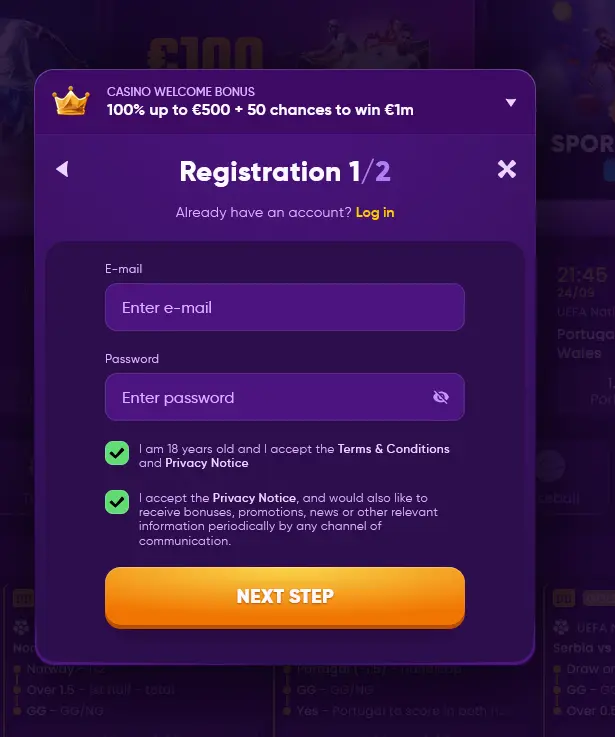
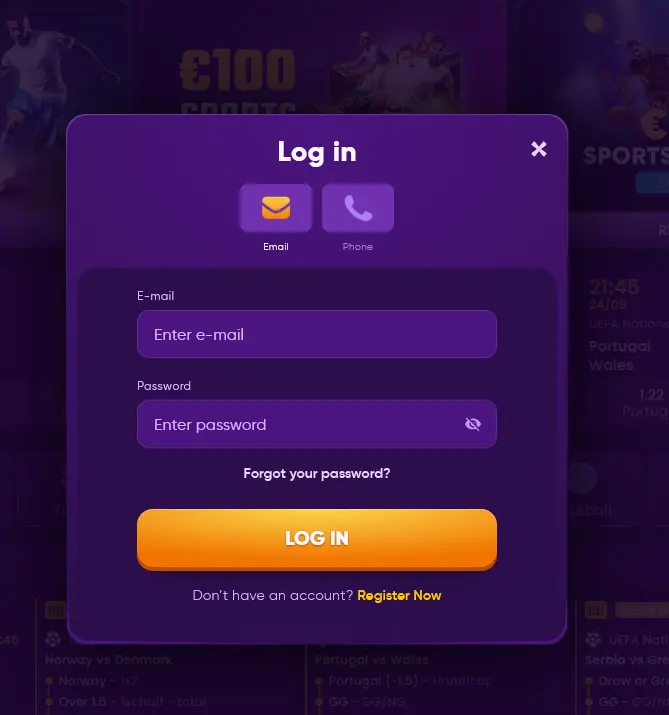
Tap Login from any page on the site. Enter your registered email and password, then tap Sign In. The account dashboard loads with your current balance, active bonuses, and payment history. If you forget your password, tap Forgotten Password on the login screen and a reset link will be sent to your registered email. Full sign-in troubleshooting is covered in the login guide.
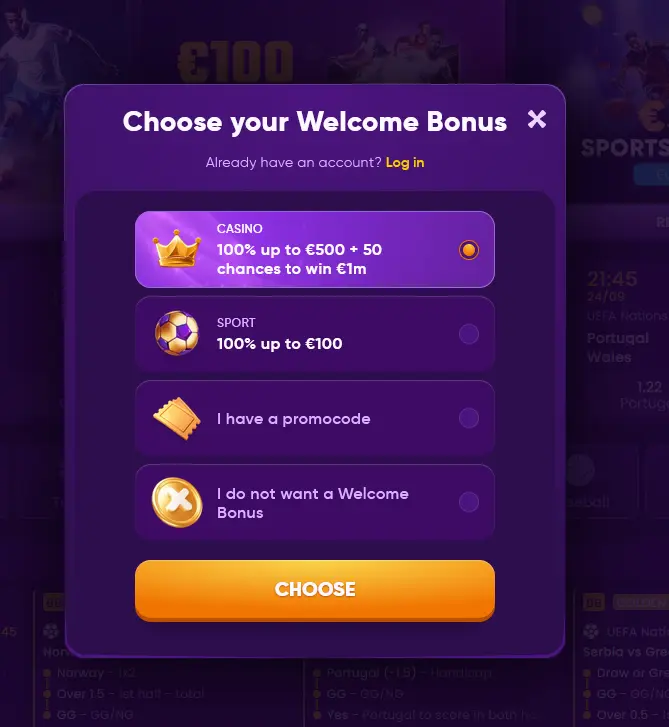
The full welcome package is available on mobile. After making a qualifying deposit of at least $30 through the mobile cashier, your 100% match up to $750 and 50 free spins on the Royal Fortune Wheel from Pragmatic Play are credited automatically. The bonus page has the complete terms including the 35x wagering requirement and the 10-day validity period. 18+.
Every data exchange between your device and Kingmaker Casino uses TLS 1.3, the current industry standard for encrypted communication. This applies to login sessions, deposit transactions, game data, and support chat messages.
Email-based verification is prompted when login activity is detected from a new device or location. Follow the prompts in your inbox to confirm the new session. Changing your email security settings immediately after a suspected account compromise is advisable; contact [email protected] for assistance.
On iOS and Android devices that support Face ID or Touch ID, you can configure your browser or password manager to autofill your Kingmaker Casino login using biometric authentication. This combines the convenience of a one-tap sign-in with the security of not typing your password on a mobile keyboard in a public place.
Live chat is available directly from the mobile site and connects in seconds. Email enquiries go to [email protected]. The help centre knowledge base covers PayID deposit queries, bonus wagering rules, and KYC document submission from a mobile device.
Deposit limits, session time-outs, and self-exclusion options are all manageable from the account settings menu on mobile. These controls apply across all devices immediately once set. Players experiencing difficulties with gambling behaviour can activate a cooling-off period or full self-exclusion directly from the mobile account settings without needing to contact support first.
Mobile Play Questions
No native app is currently available on Google Play or the App Store; the full casino experience, including PayID deposits and Evolution Gaming live tables, runs through the mobile browser without any download.
Android 8.0 or later is recommended for a smooth experience; older versions may work but could experience slower load times on Hacksaw Gaming and Nolimit City titles that use advanced graphics.
Because there is no native app to update, improvements are delivered automatically when you next open the site; just refresh your browser to access the latest version.
Yes, all bonus activation, including the 100% first-deposit match and the 50 free spins on the Royal Fortune Wheel, works identically in the mobile browser as on desktop.
Play on Mobile Today
Grab 100% up to $750 and 50 free spins.
Join Now 18+ only. Gambling may lead to addiction. Bonus terms and conditions apply.